Secure payments
14-day return policy
Free worldwide shipping






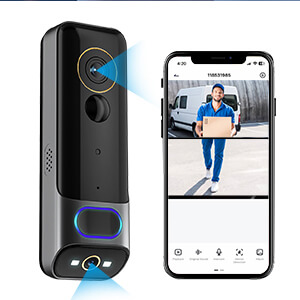
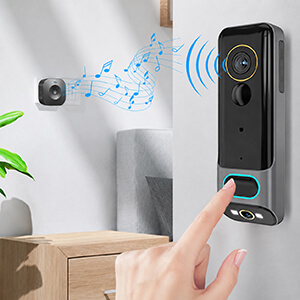
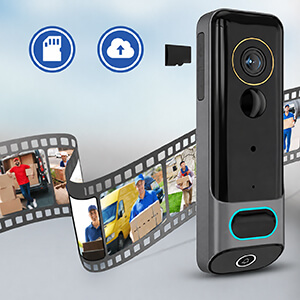
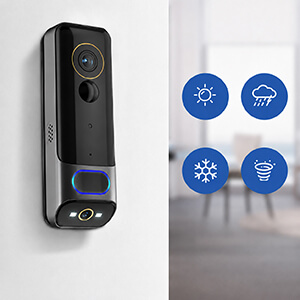

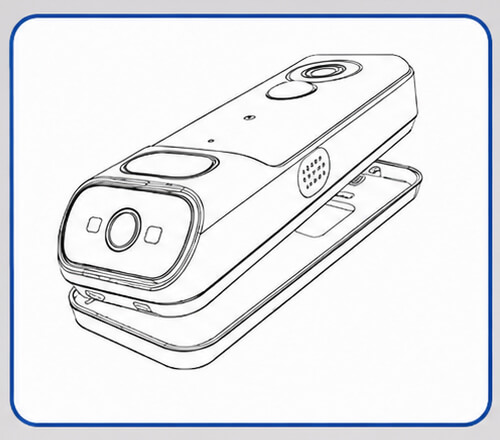
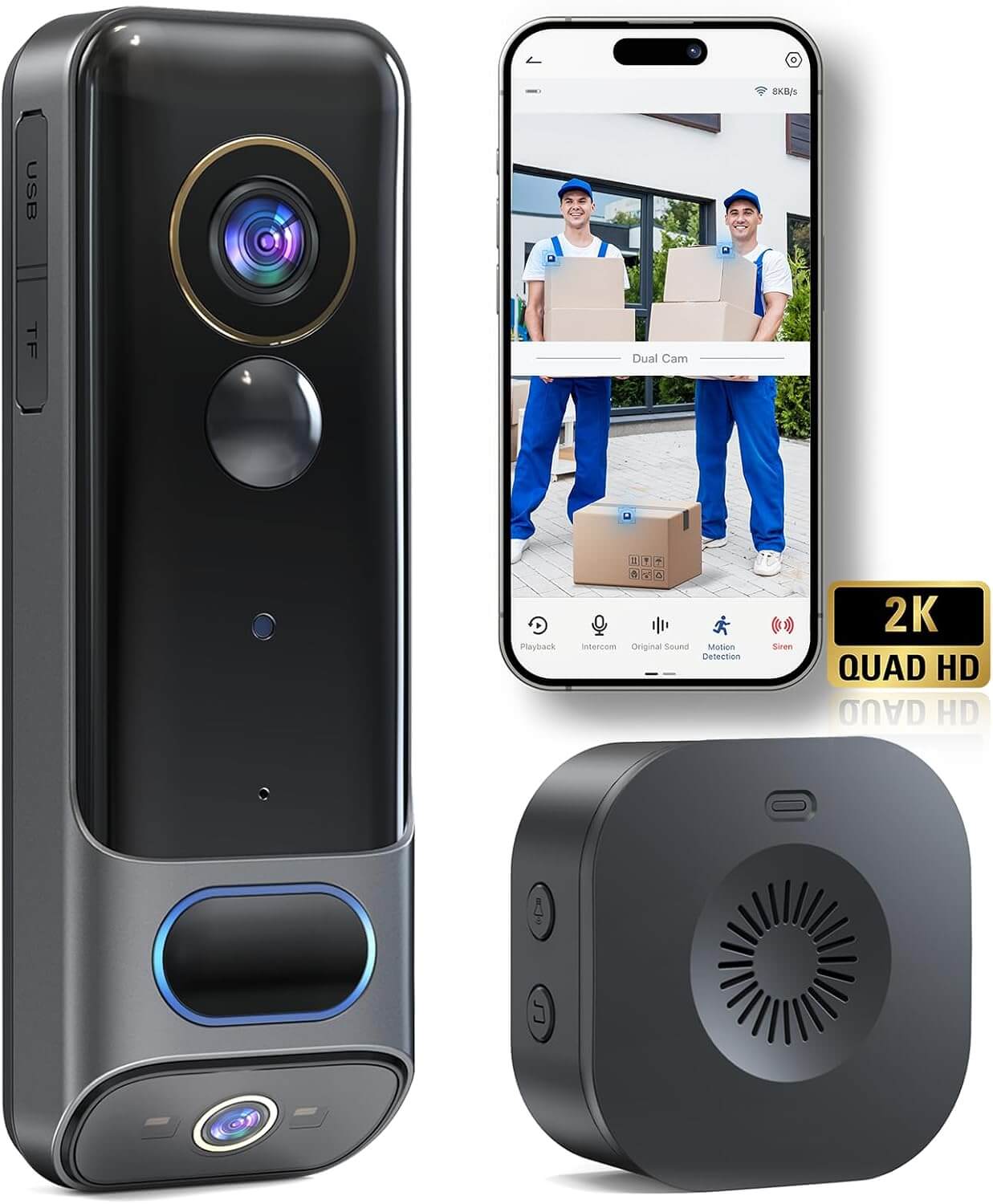
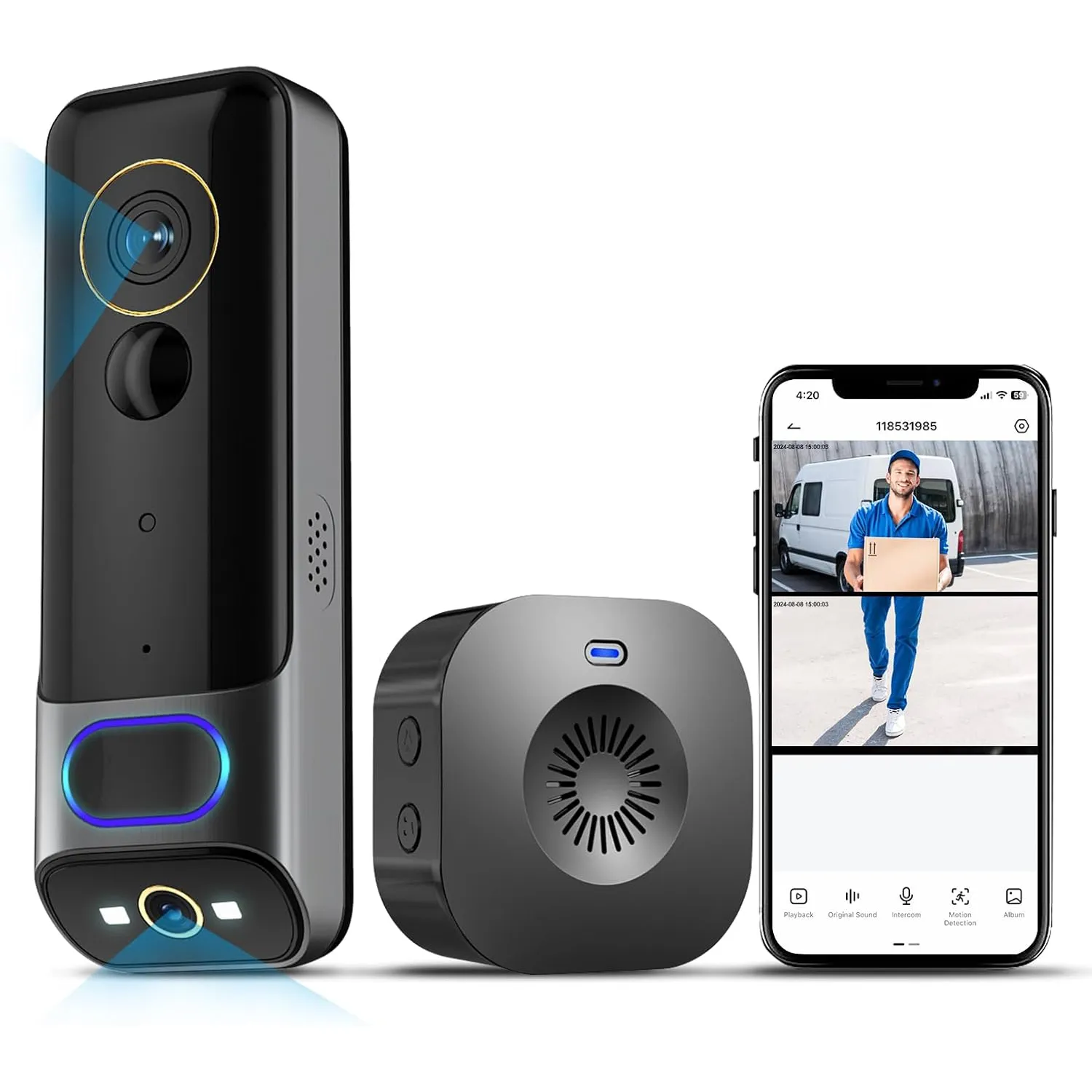
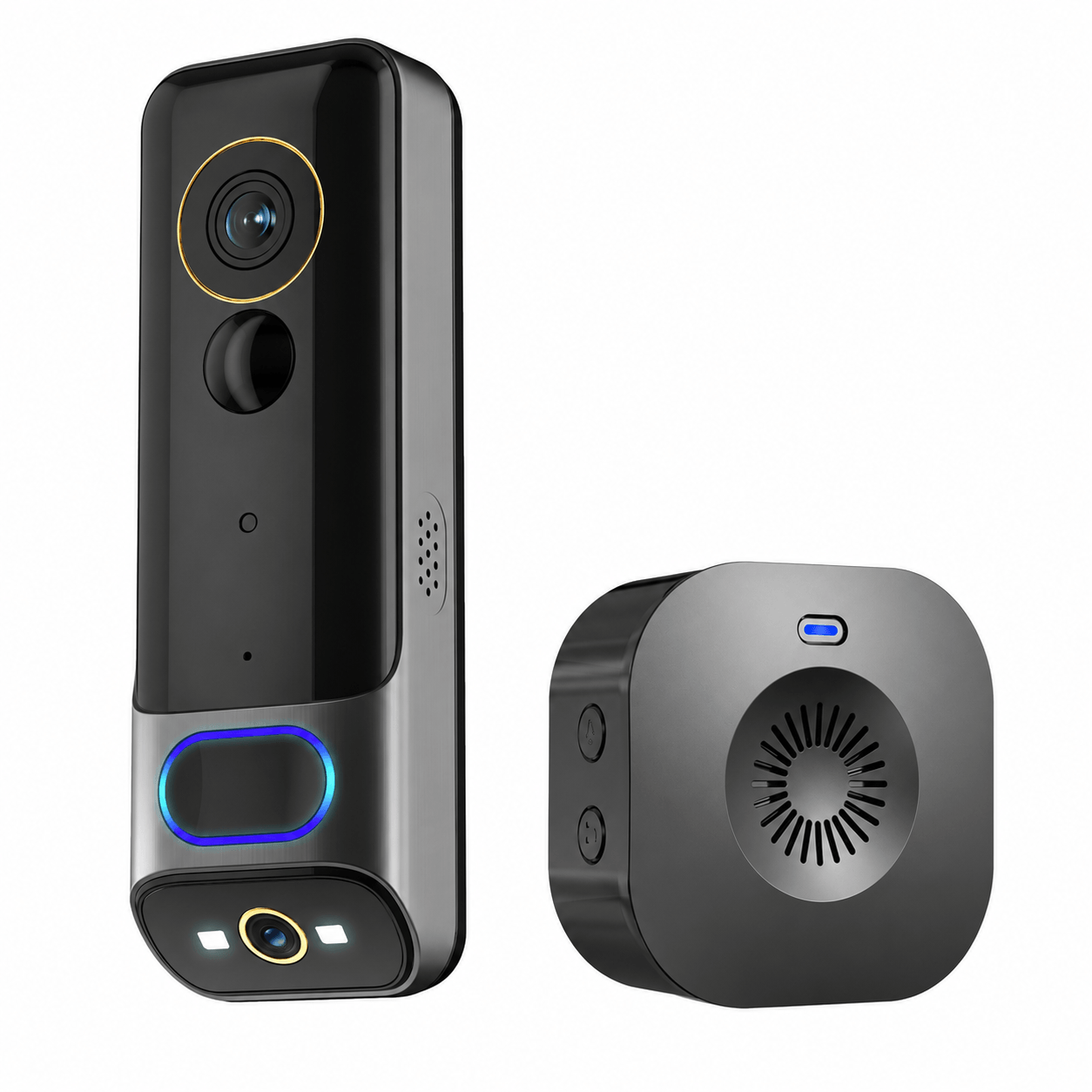
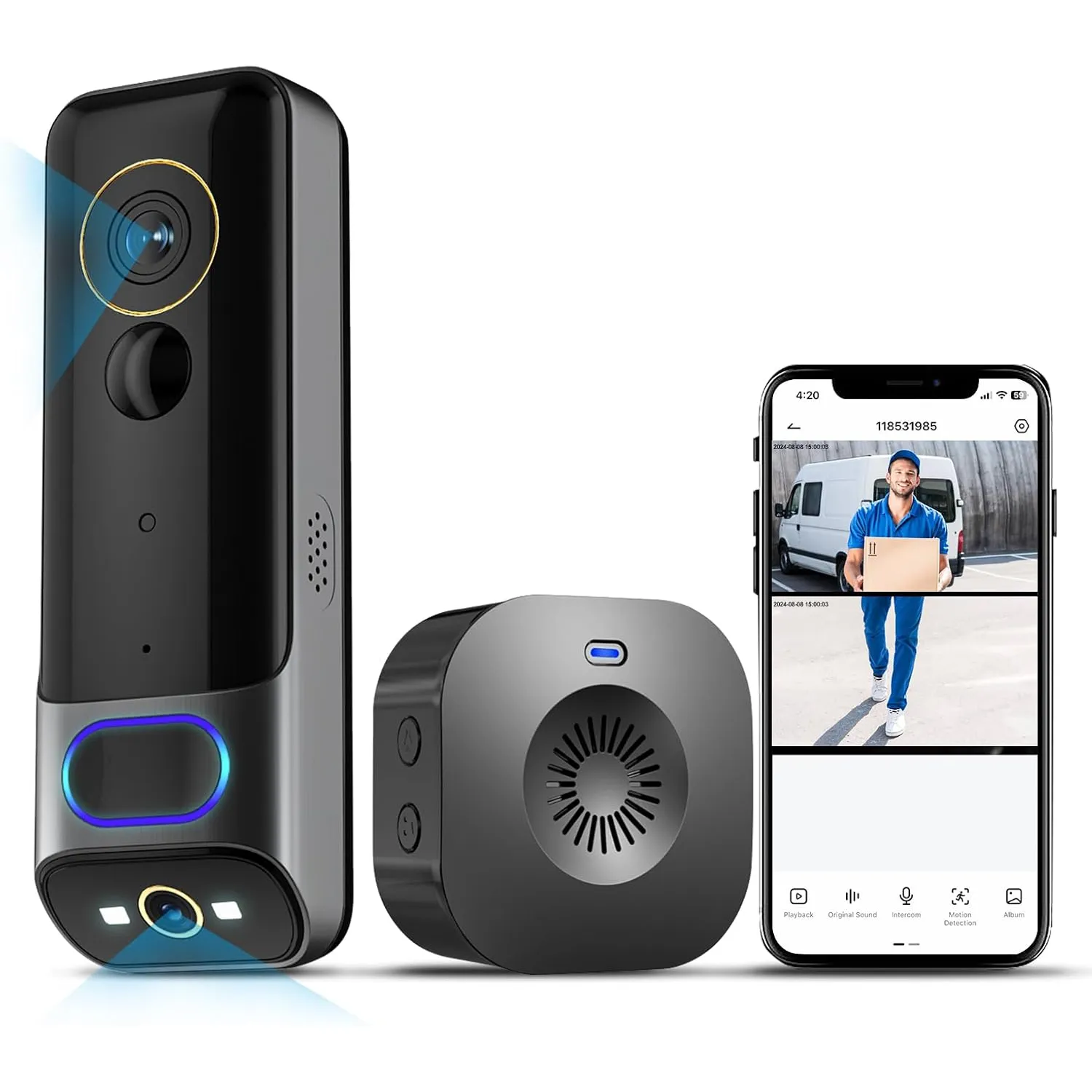
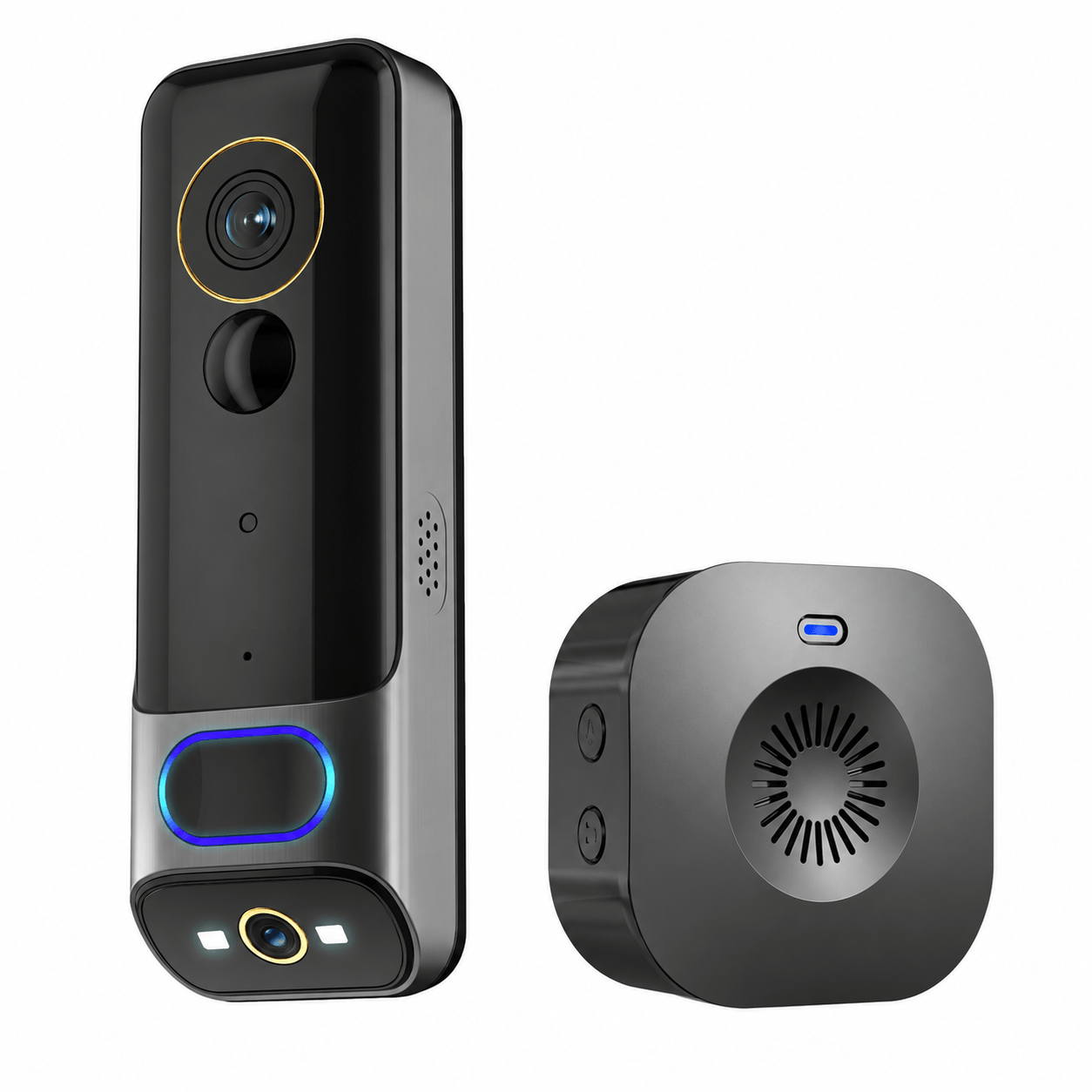
Product name: 3MP + 2MP Dual Camera WiFi Video Doorbell
Kamerasensor: 1/2,8" 3MP CMOS + 1/2,9" 2MP CMOS
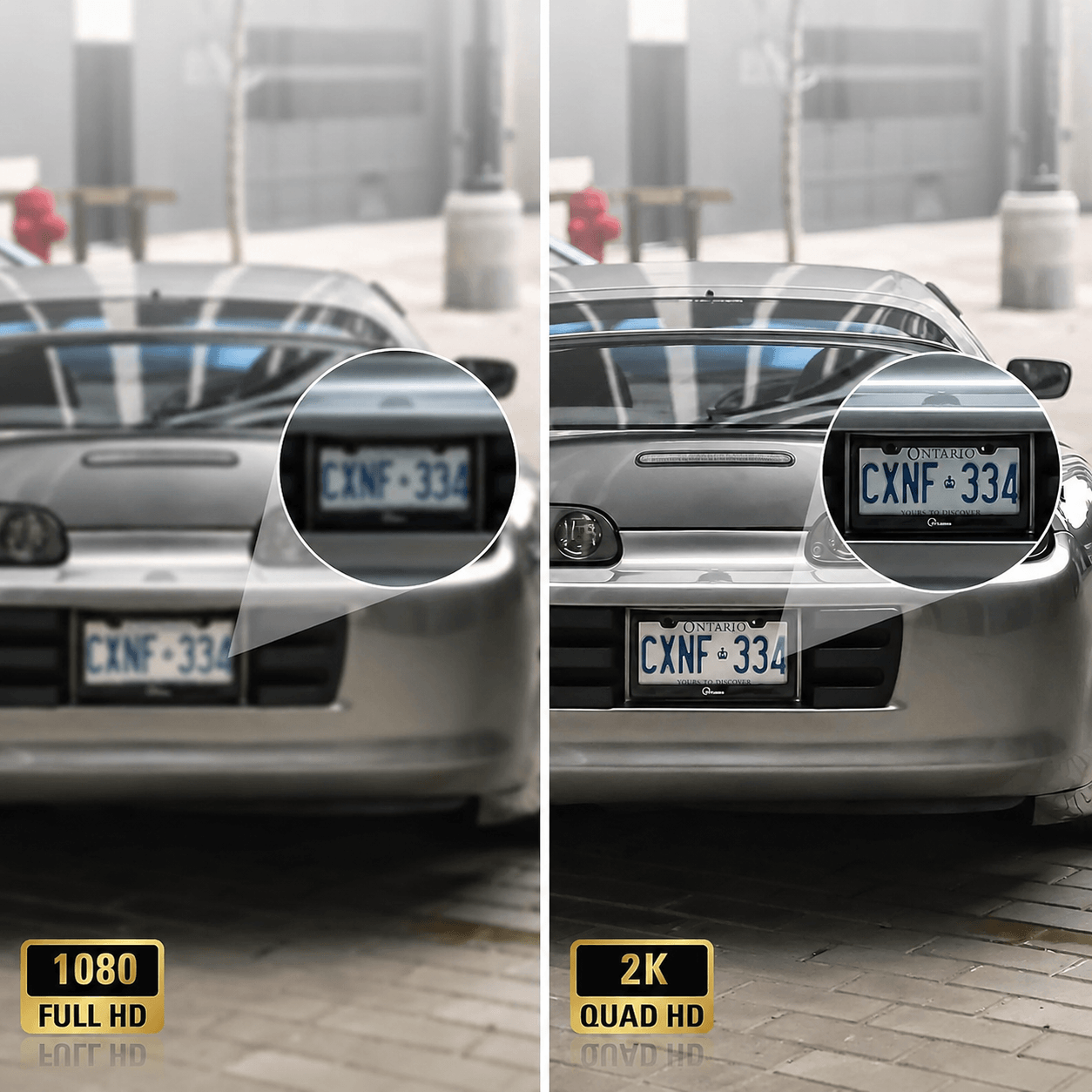
Video resolution: 2048 × 1536 + 1920 × 1080
Objective: 3.6 mm, F2.0
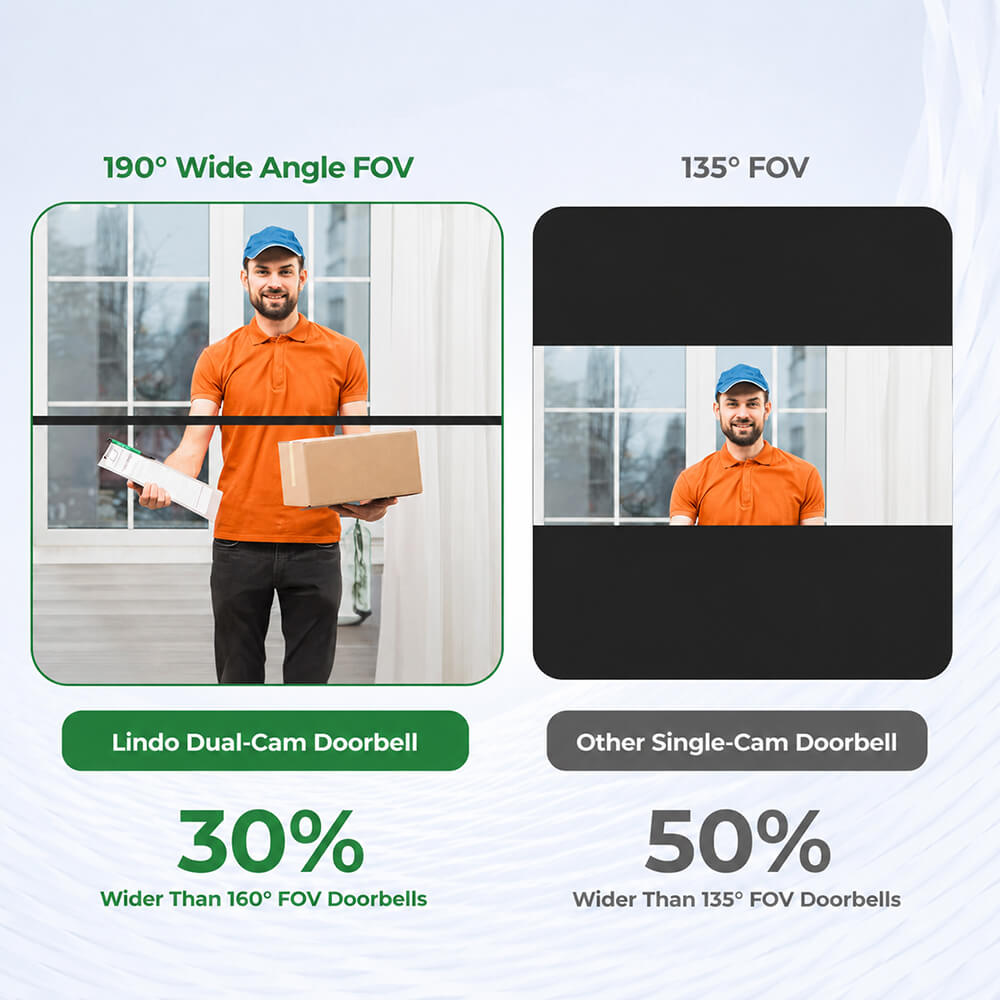
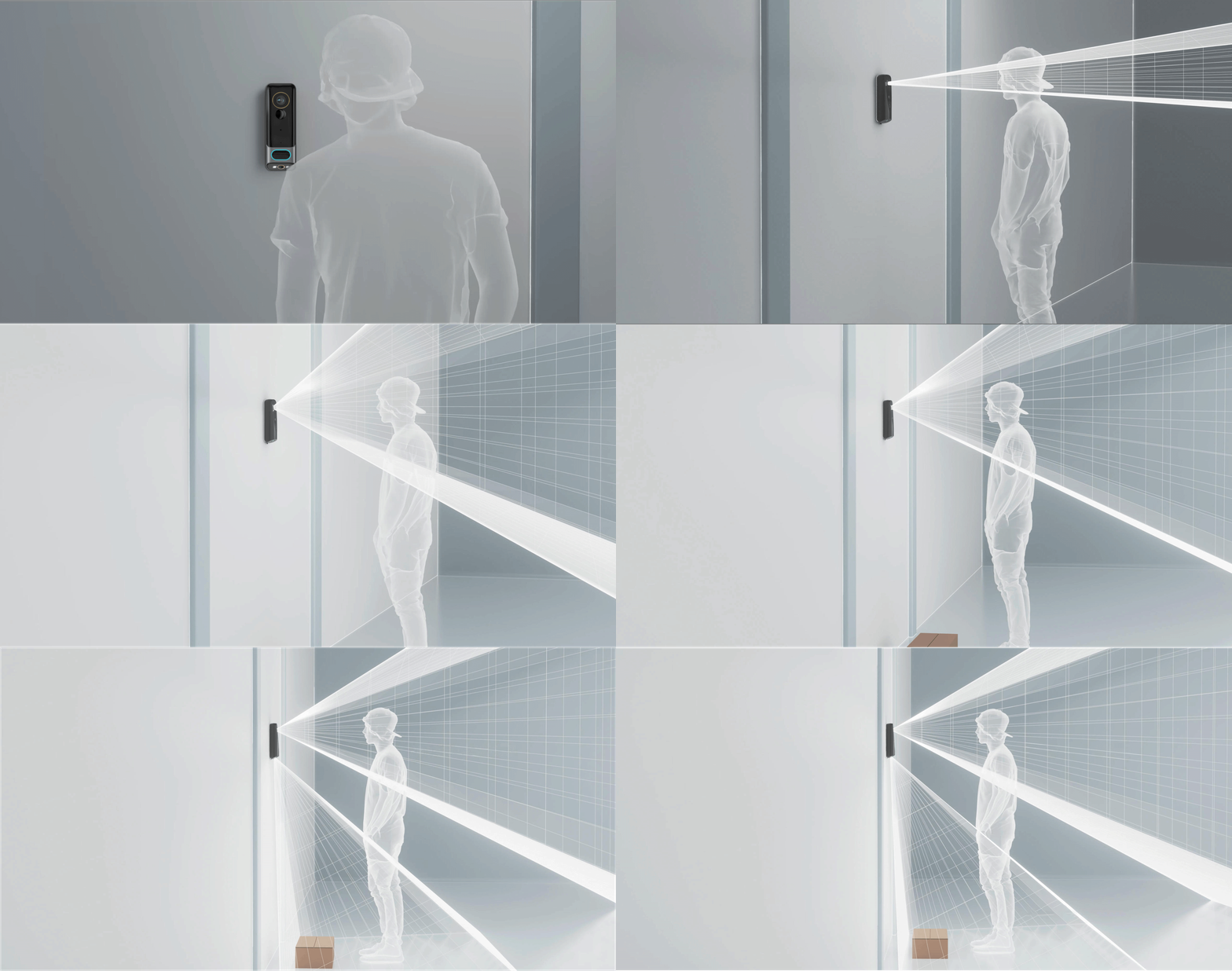
Field of view: 83° horizontal / 61° vertical / 105° diagonal
Minimum illuminance: Color 0.1 lux at F2.0; Black and white 0.01 lux at F2.0
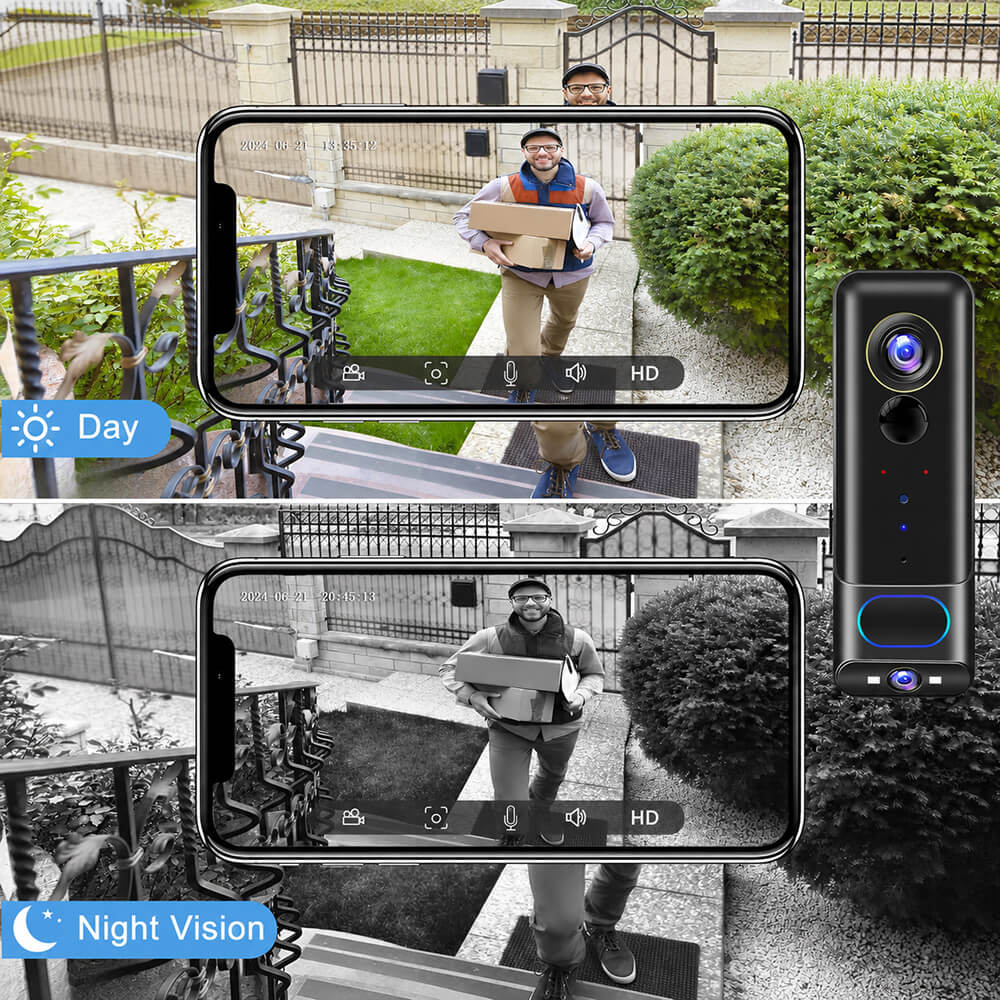
Night vision: Infrared night vision up to 10 meters
Day/night mode: Automatic IR cut filter / Color / Black and white
Wide dynamic range: Digital WDR
PIR motion detection: Yes
PIR detection range: Up to 5 meters
PIR detection angle: 100°
Alarm triggers: Doorbell button and PIR motion detector
Audio type: Two-way audio with built-in microphone and speaker
Video compression: H.264 / H.265
Videobitrate: 32 kbit/s – 2 Mbit/s
Frame rate: 1–25 fps
Dual Stream: Supported
Drahtlosstandard: 2,4-GHz-WLAN, IEEE 802.11b/g/n
Wireless security: WEP 64/128-bit, WPA/WPA2, WPA-PSK/WPA2-PSK and WPS
Network protocols: HTTP, DHCP, DNS and TCP/IP
Data encryption: AES 128-bit
App support: iOS 9 or higher and Android 5 or higher
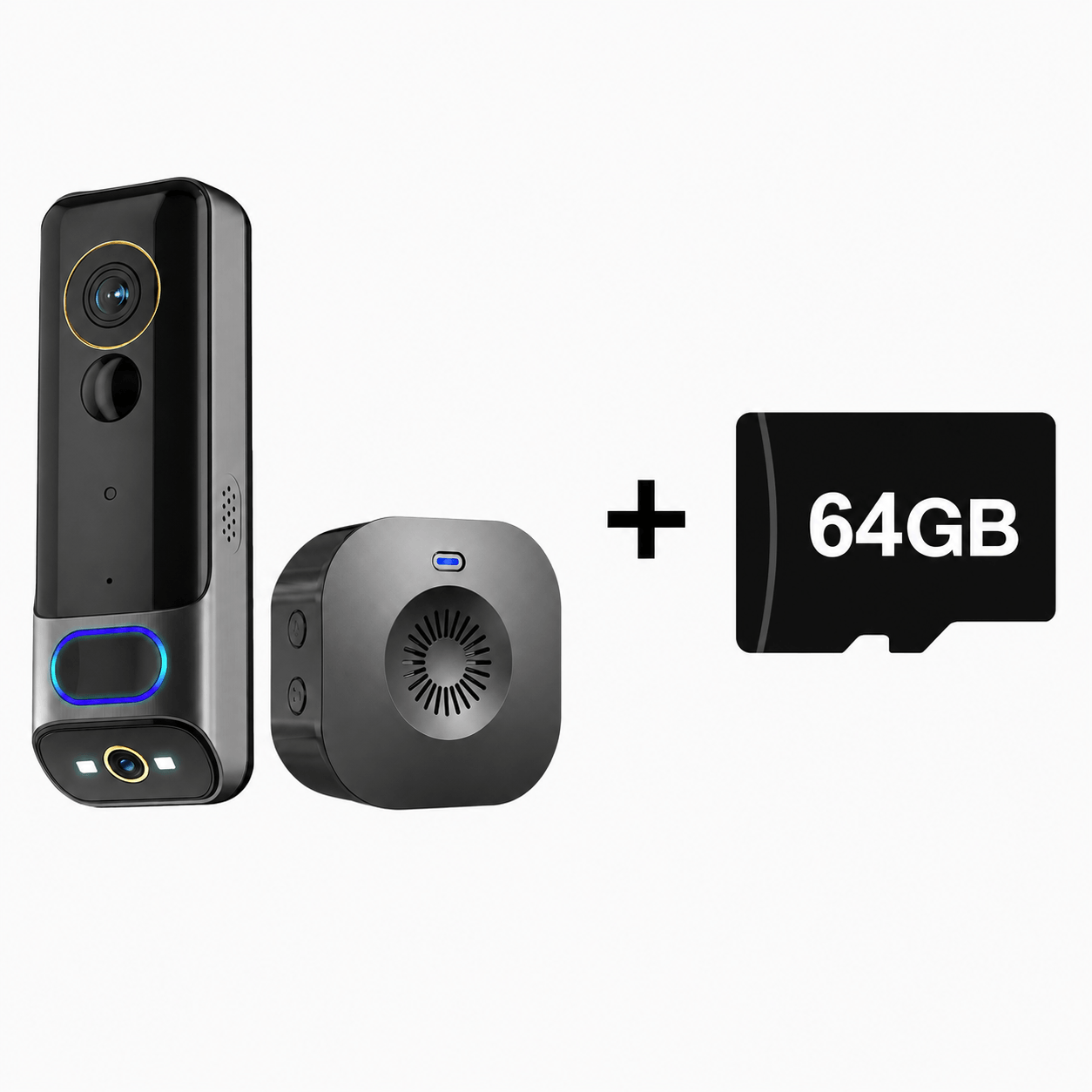
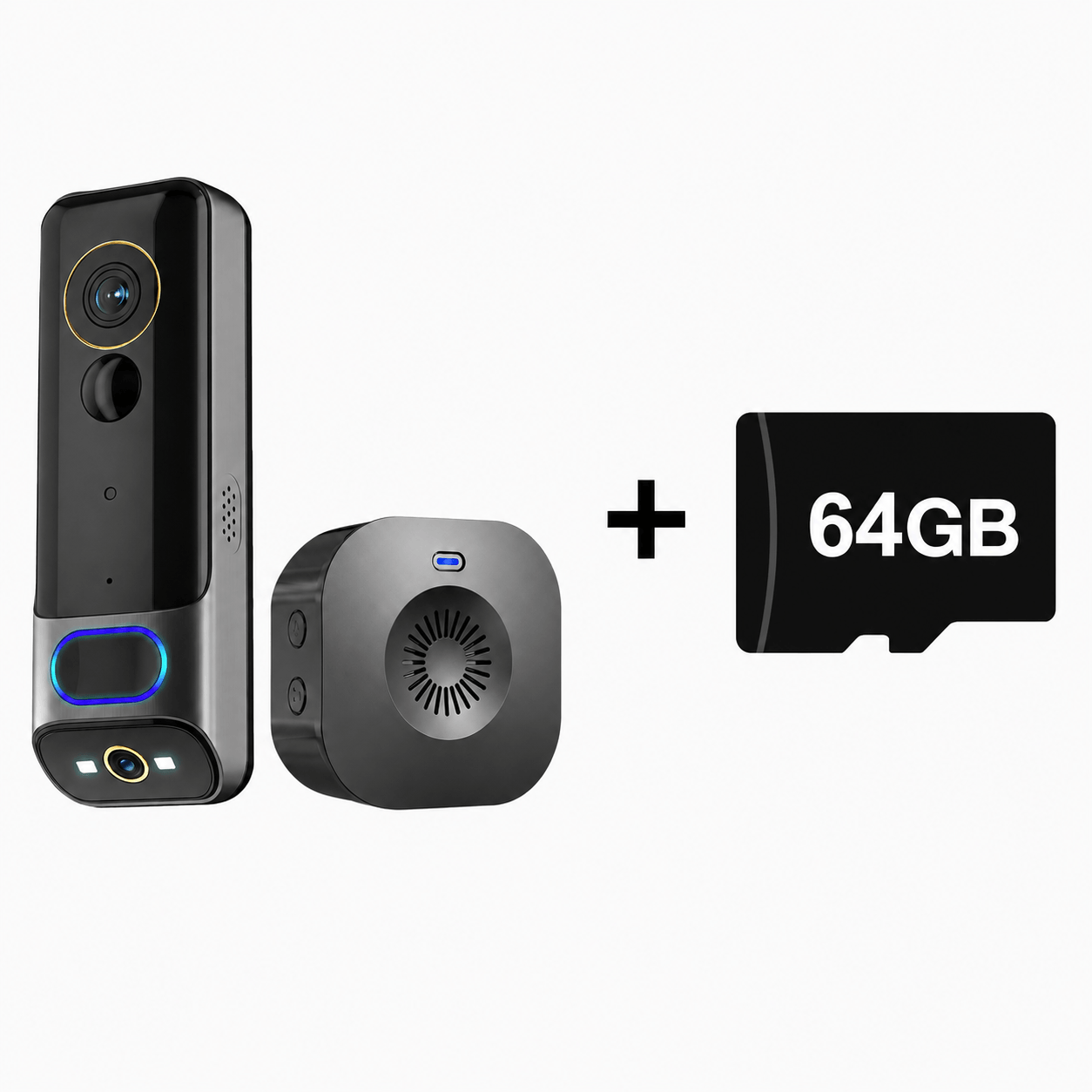
Storage: Micro SD card up to 128 GB and cloud storage
Battery capacity: 5200 mAh rechargeable lithium battery
Standby time: Up to 6 months
Typical battery life: Approximately 2–3 months with 10 activations per day
Power supply: DC 5 V / 1 A
Maximum power consumption: 2 W
Wireless doorbell: Supports 433 MHz wireless indoor doorbell
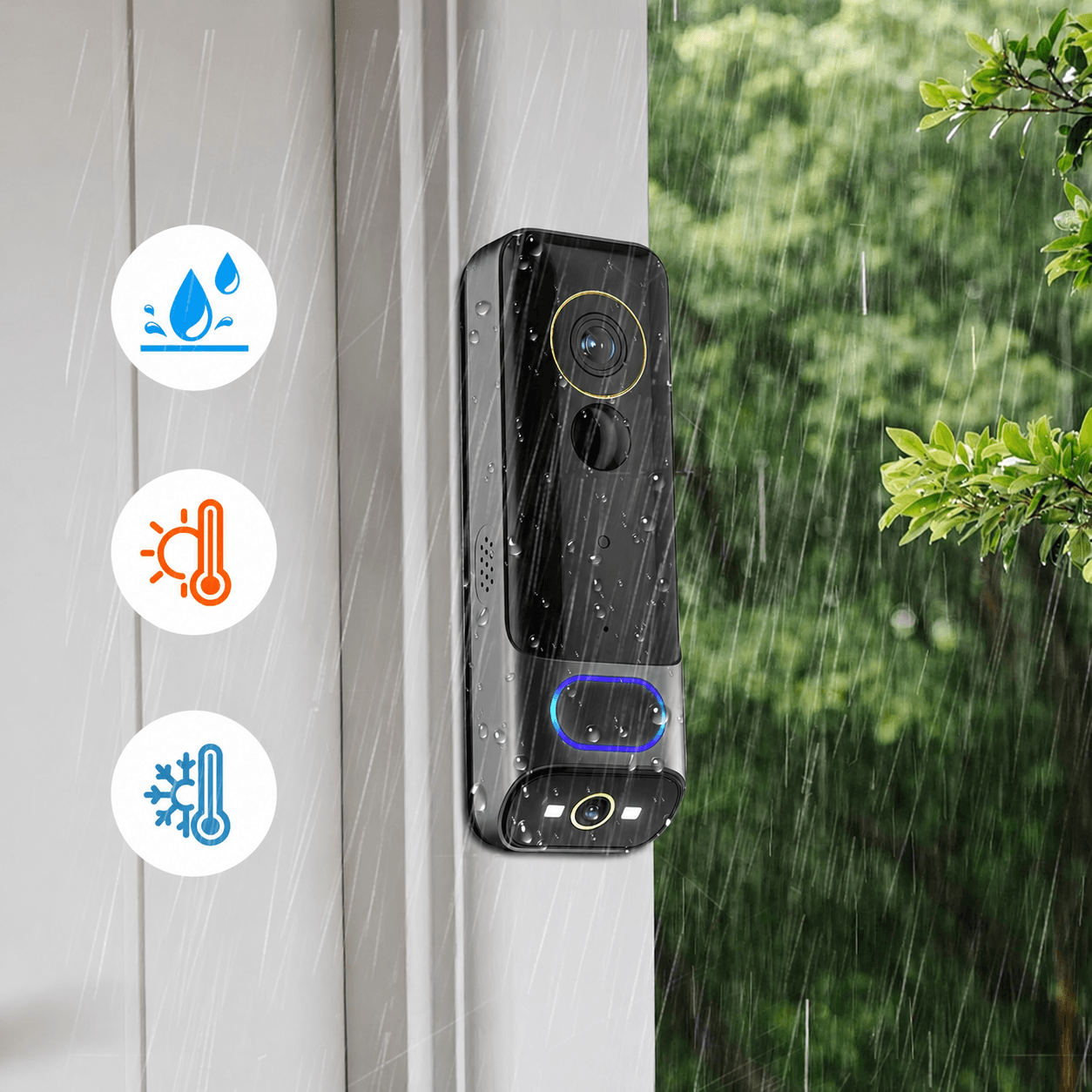
Weather resistance: IP65
Operating temperature: -20 °C to 50 °C
Charge the doorbell before installation.8–10 hoursThe LED indicator glows red during charging and changes to blue once the battery is fully charged.
Use a compatible USB charger with a rated power outputof 5 V DC and 1 A–2 A.
The doorbell works with theCloudEdge-App, which is available for both iOS and Android devices.
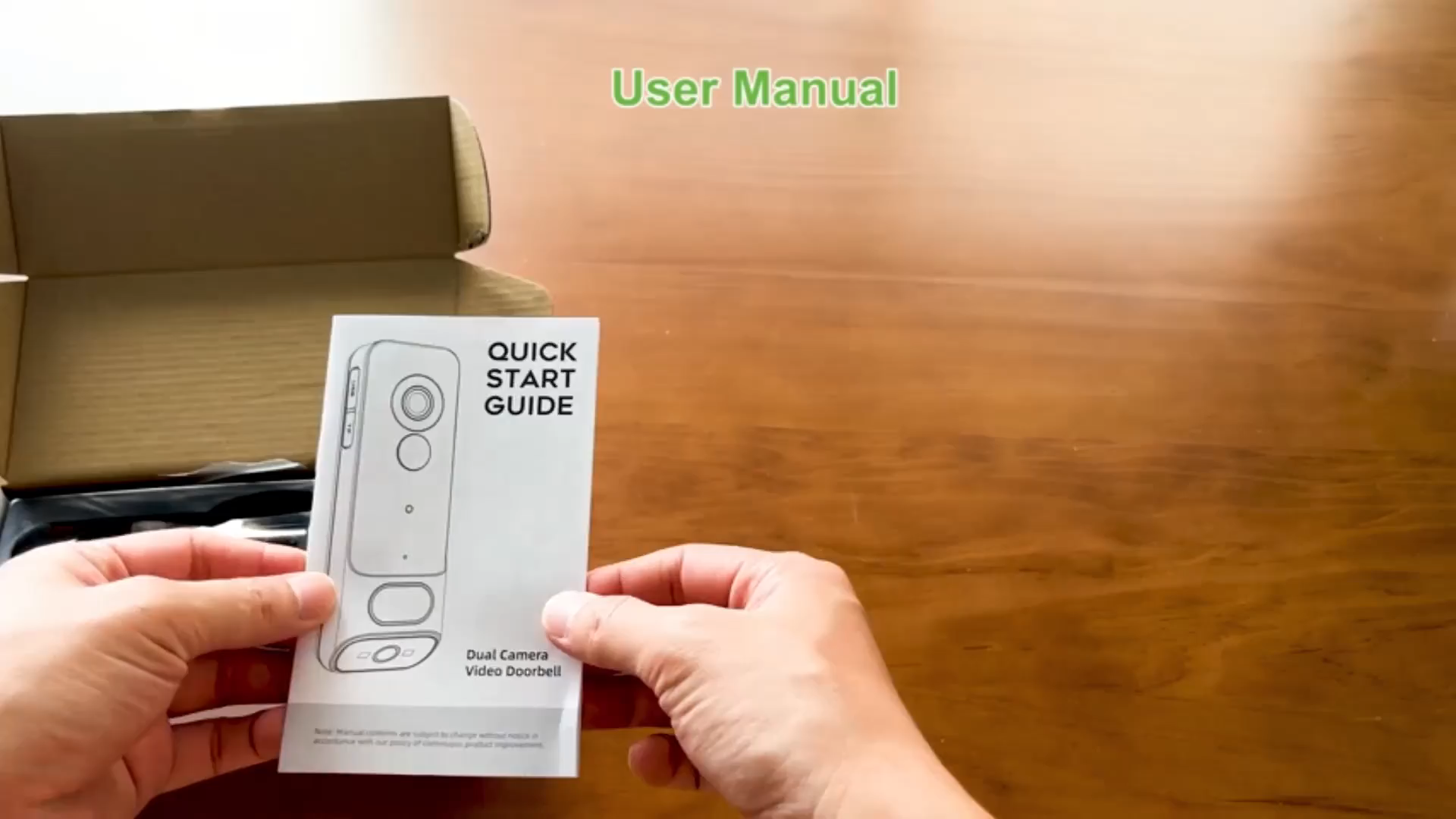
Search for "CloudEdge" in your app store or scan the QR code provided in the user manual.
Press and hold the reset button for 5 seconds.
The LED indicator should then flash red once per second, signaling that the doorbell is ready for Wi-Fi setup.
Press and hold the pairing button on the chime. The chime will enter pairing mode for approximately 20 seconds, and the red LED will flash.
Press the doorbell during this time. Once the doorbell rings and the blue LED flashes, pairing is complete.
No. The doorbell does not support an existing mechanical chime.
It comes with a separate, battery-operated, wireless indoor chime.
In an open area without major obstacles, the range of the wireless doorbell can be100 meters or 328 feetexceed.
Walls, doors and other obstacles can reduce the actual range.
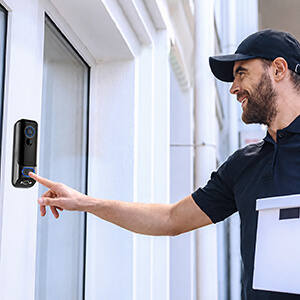
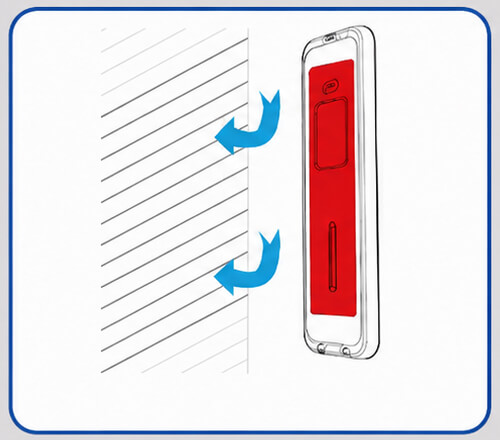
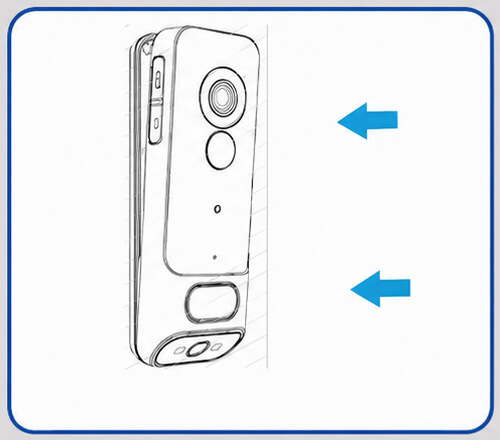
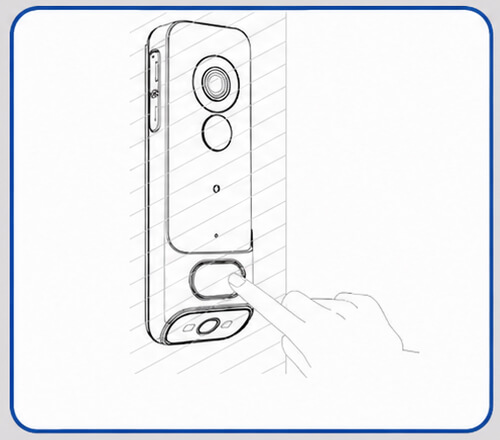
Install the doorbell at least 4 feet or about 120 cm above the floor, to ensure a suitable viewing angle and more effective motion detection.
The rear mounting plate can be attached to a flat surface using screws or adhesive tape.
Under laboratory conditions, a fully charged battery lasts approximately 2–3 months .
This estimate is based on the following:
Actual battery life may vary depending on usage, live view, motion activity, Wi-Fi signal strength, and weather conditions.
Yes. Video recordings can be stored locally on a compatible Micro SD or TF card.
The doorbell also supports optional cloud storage via the app.
The doorbell includes a 7-day free trial for cloud recordings .
Continued cloud storage may require a subscription via the CloudEdge app.
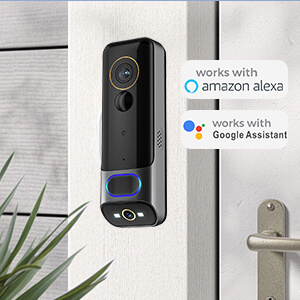
Yes. First, add the doorbell to the CloudEdge app, then activate it.CloudEdge-Skillin the Amazon Alexa app and link your account.
Once Alexa has recognized the doorbell, you can rename it, for example:
Doorbell MR03
You can then use a voice command, such as:
"Alexa, show me the Doorbell MR03 camera."
Follow these steps:
Check the following:
If the red LED is not flashing, press and hold the reset button for 5 seconds.
loading